




.png)
Wander is a mobile and desktop travel education application that offers insight into cultural norms, tips for avoiding potential trip pitfalls, and allows users to experience cultures by discovering popular destinations amongst locals.
The travel industry has become an essential part of society, with 93 million international outbound trips taking place each year. However, international travelers often face challenges when preparing for their trips. One of the biggest concerns is a lack of research about their destination, such as whether the local water is safe to drink. Beyond research, travelers also struggle with knowing how to pack appropriately and navigating safety concerns, particularly women traveling internationally.
Wander addresses these challenges through a variety of pre-travel education and preparation features. It helps users prepare for upcoming trips with AI-generated packing lists customized to their individual needs and destination. Wander also recommends safe local hotspots and provides forums and groups where users can connect with others, learn more about their destination, and discover activities to enjoy during their trip.
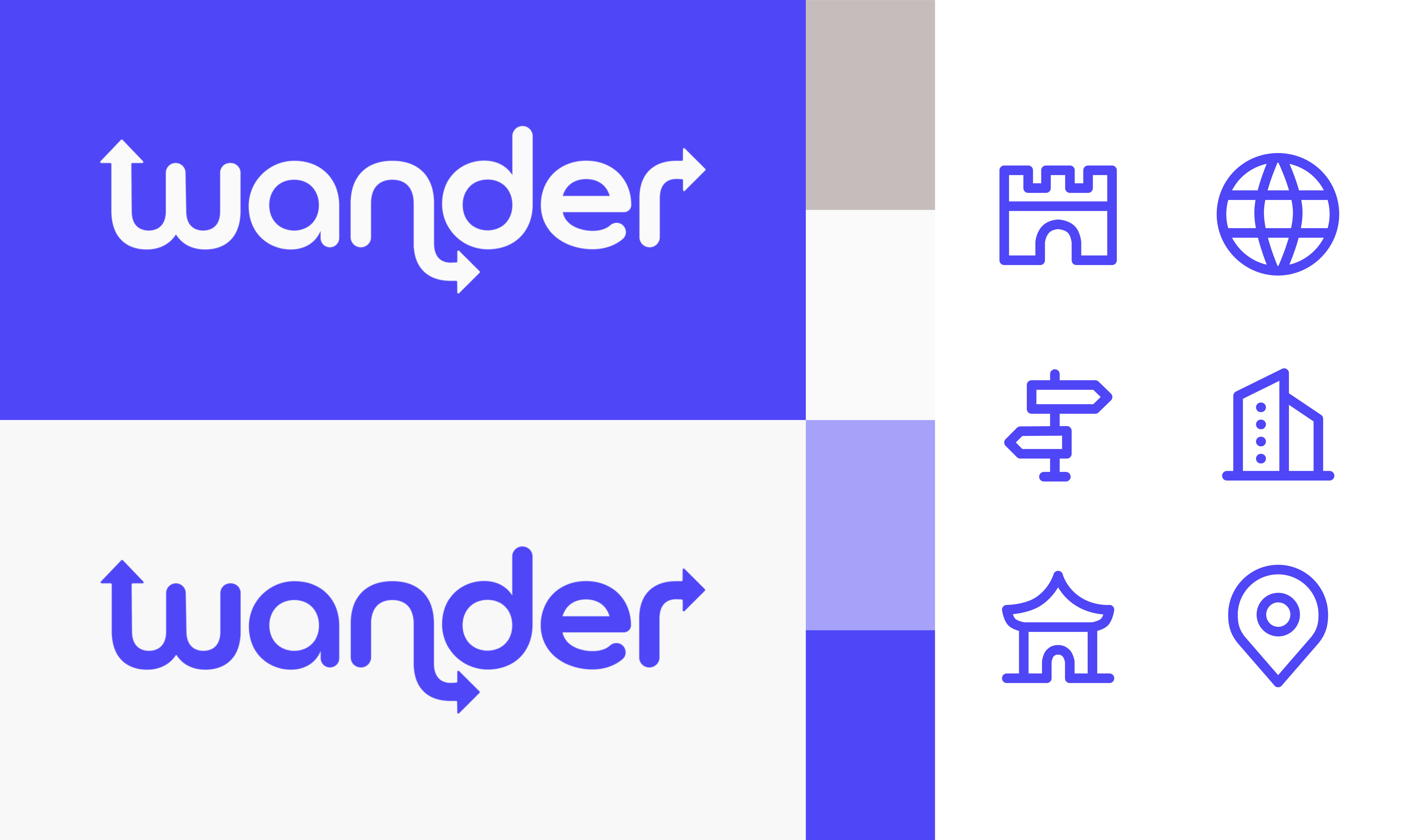
To begin the project, the brand for the application needed to come to life. Through research, exploration, multiple rounds of sketches, and feedback, the Wander brand was created and brought to life.
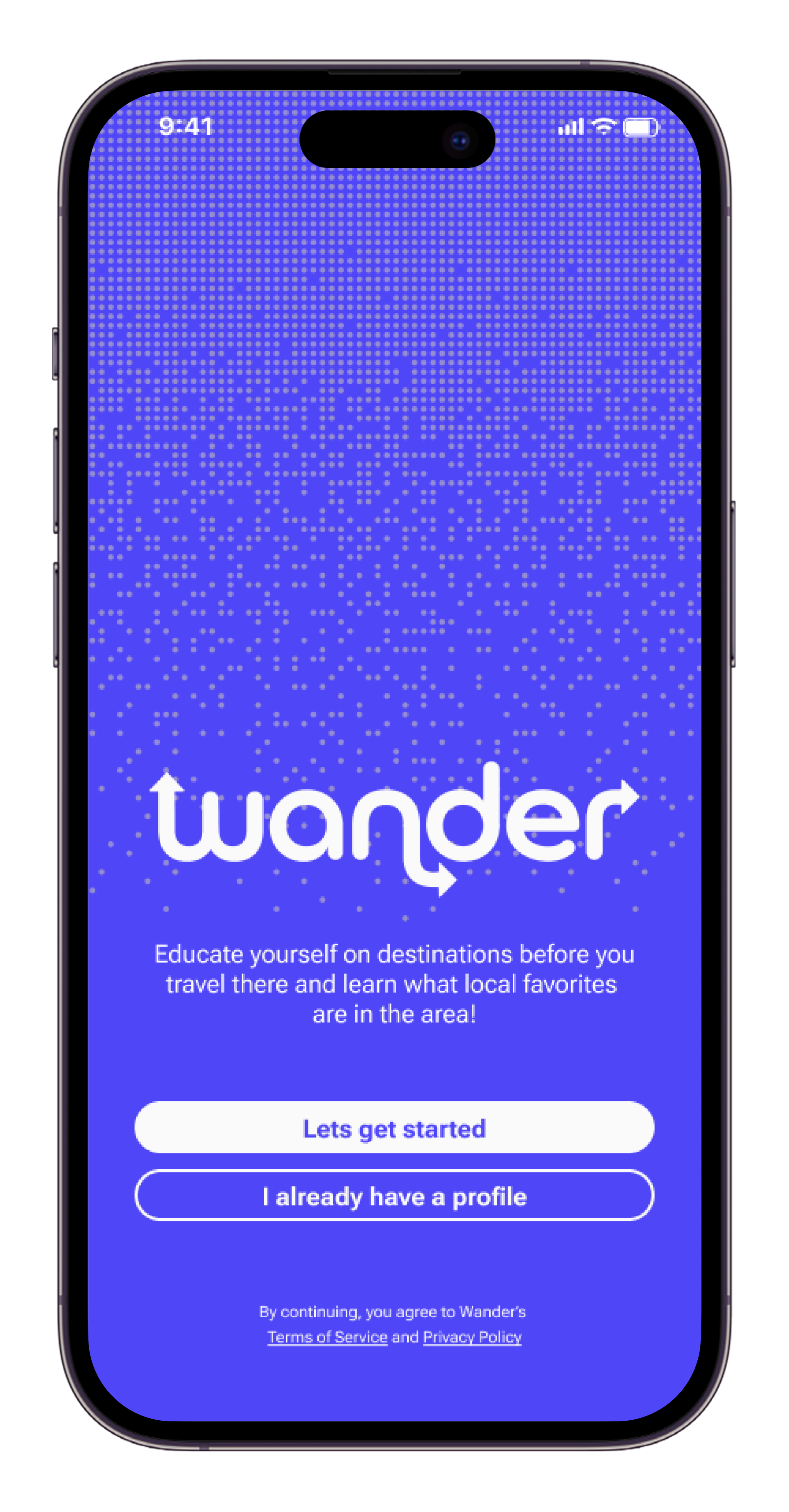
In this first user flow, the user walks through Wander’s onboarding process, where the application gathers the necessary travel information about the user to create the best possible experience while using the Wander app.
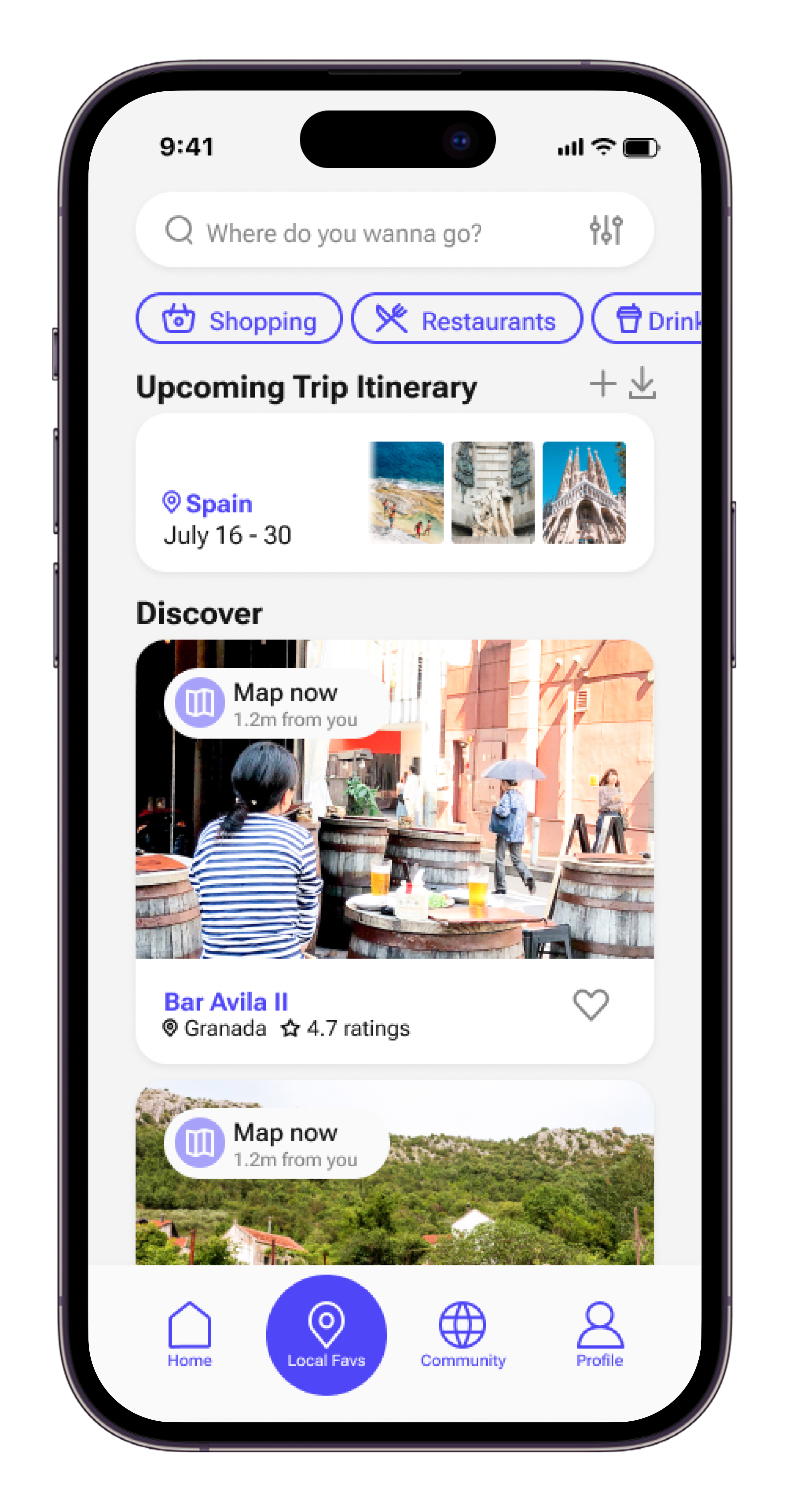
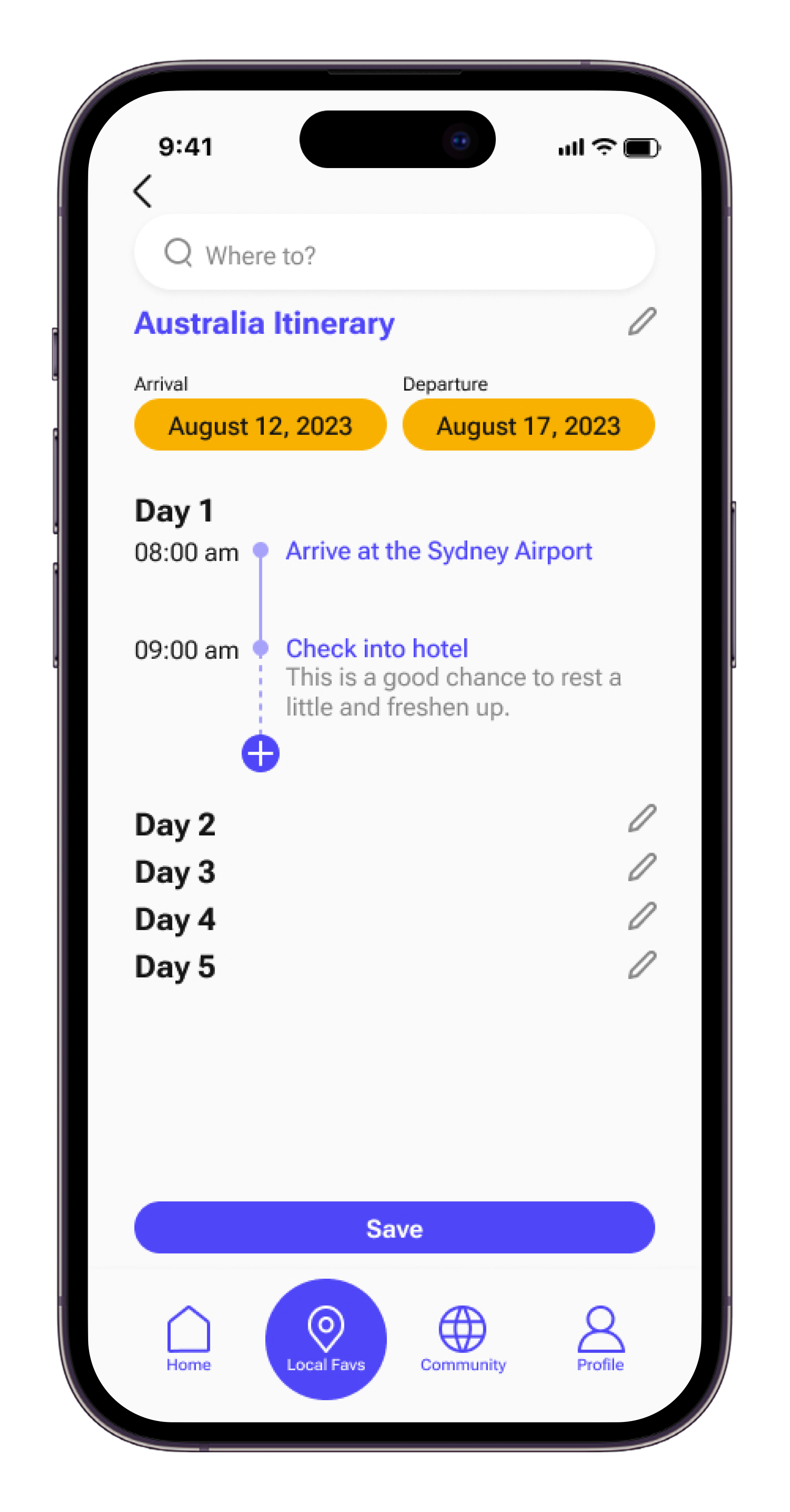
Once their profile is created, the user navigates to the Local Favorites section, where they can explore local favorites in the areas they are traveling to. Users can filter their search to find exactly what they are looking for and favorite hotspots so they can easily find them again later. They can also add these locations to their trip itinerary, making it easier to plan and organize their travel experience.
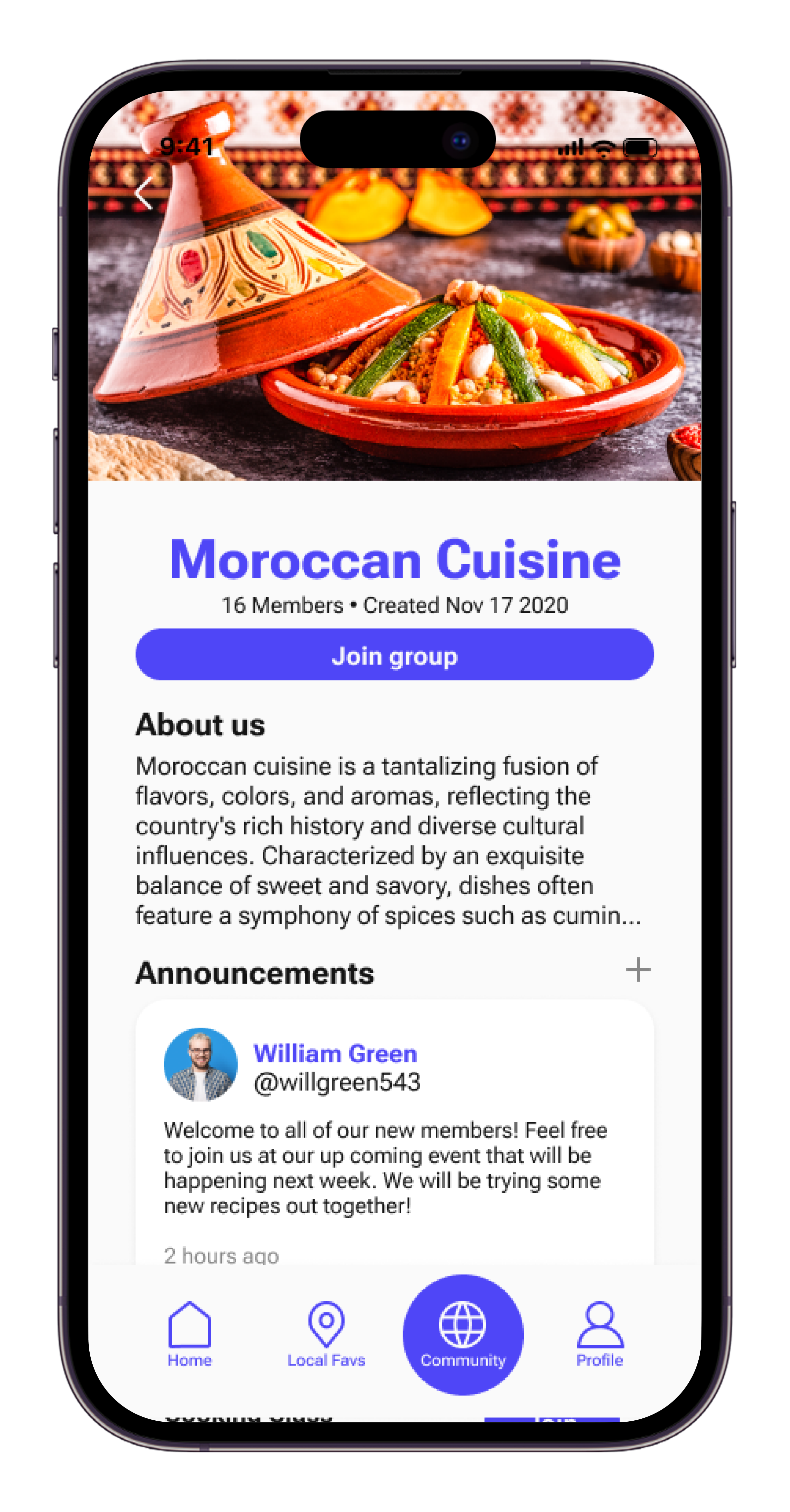
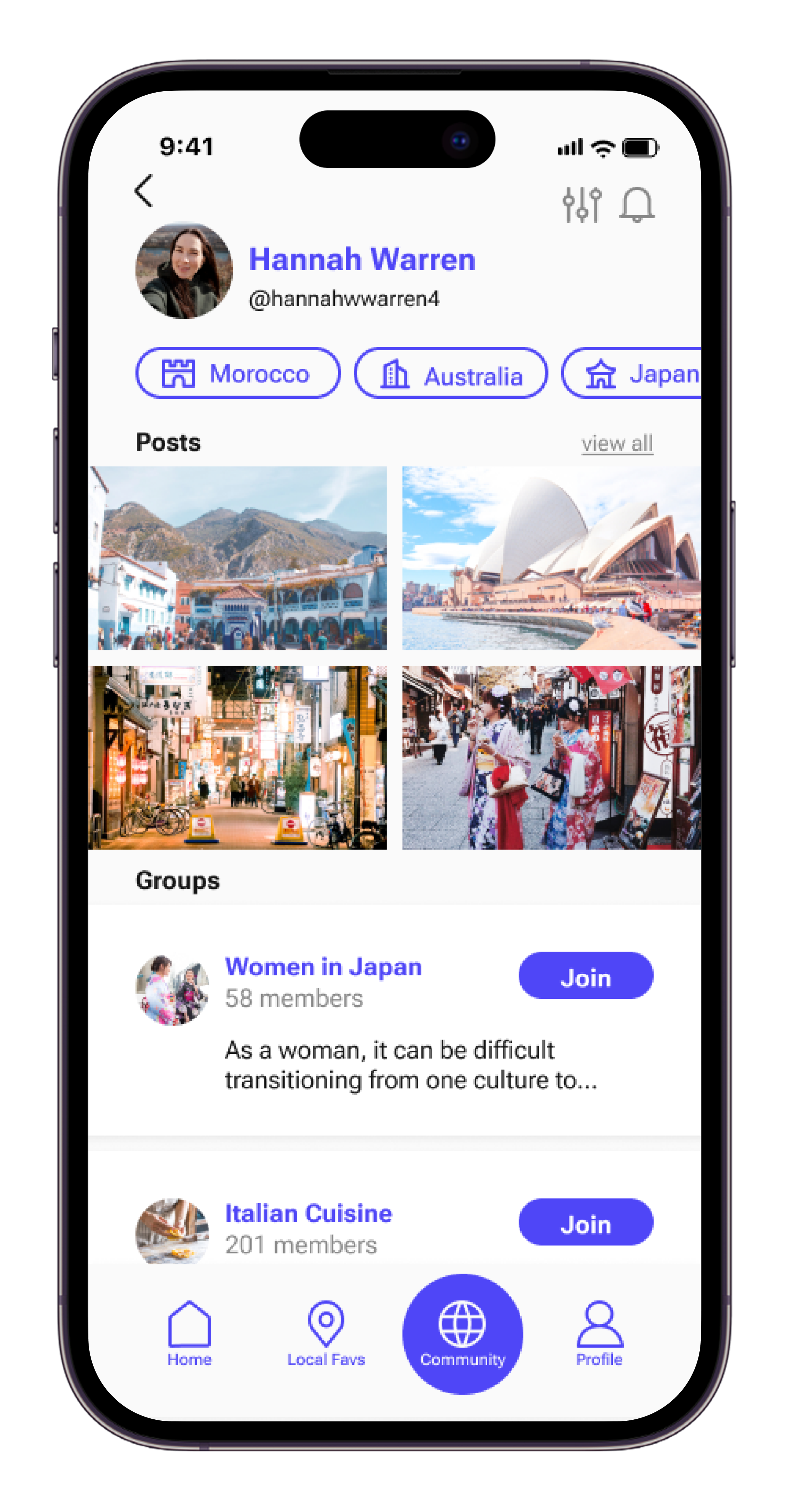
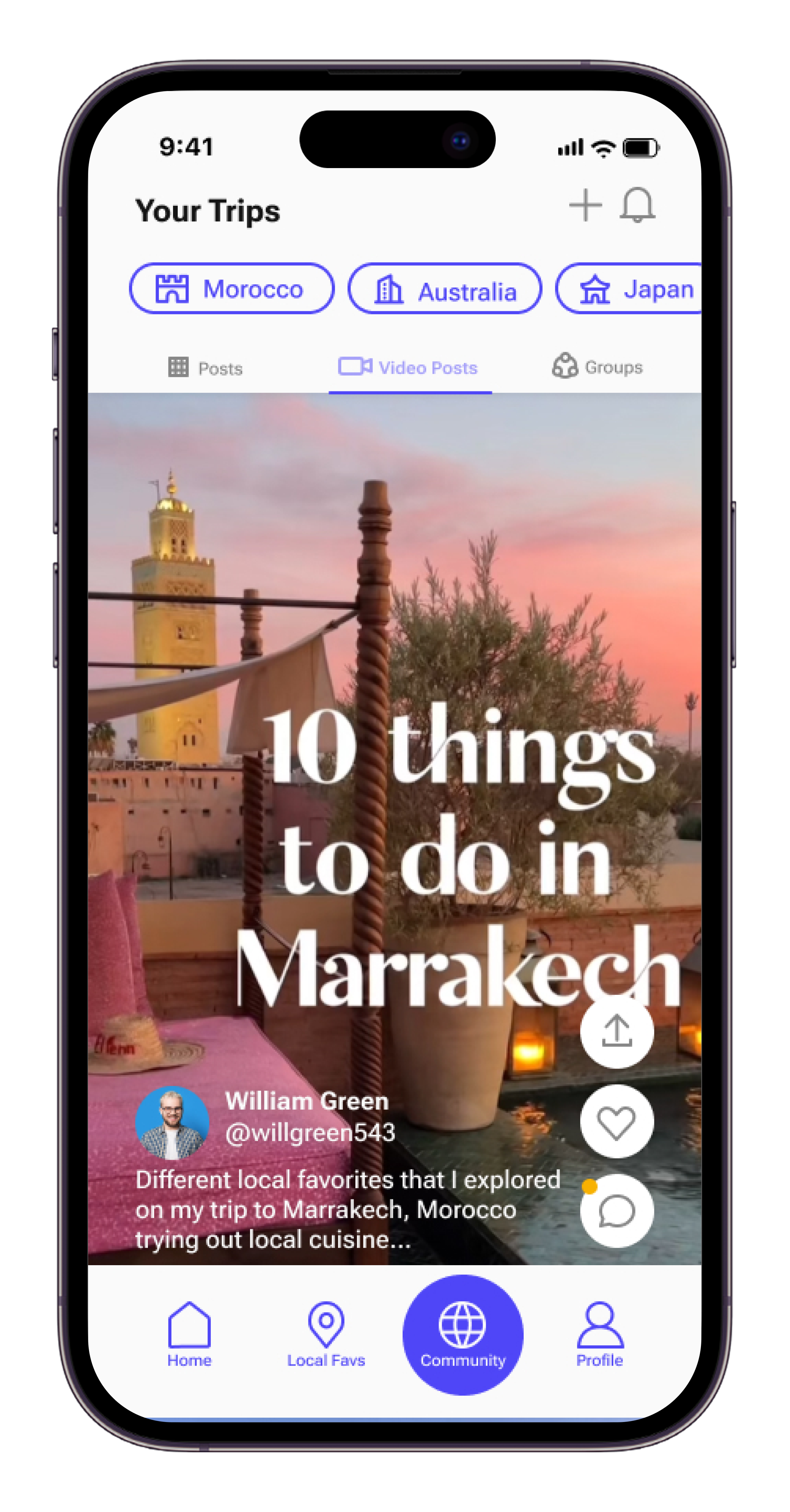
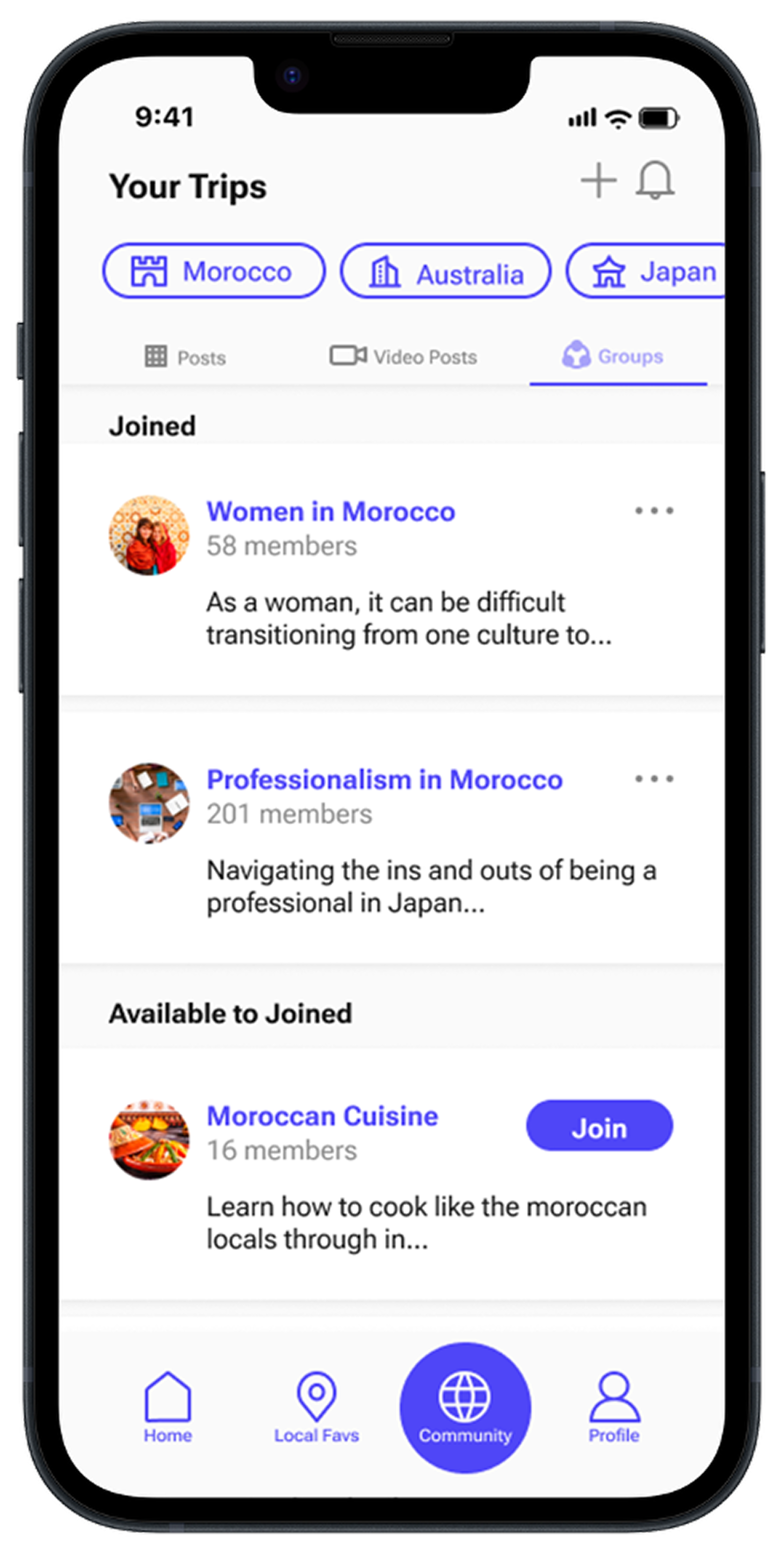
In this next flow, the user navigates to the Community section of the application, where they can filter posts and groups based on their travel destination. Users can also explore other Wander users’ profiles to see what they have posted, where they have traveled, and which groups they are a part of. Video posts provide additional tips and tricks from previous travelers, offering insights into specific destinations and experiences. Lastly, the user explores the Groups section, where they can connect with other travelers and build a community to help make the most of their travel experience.
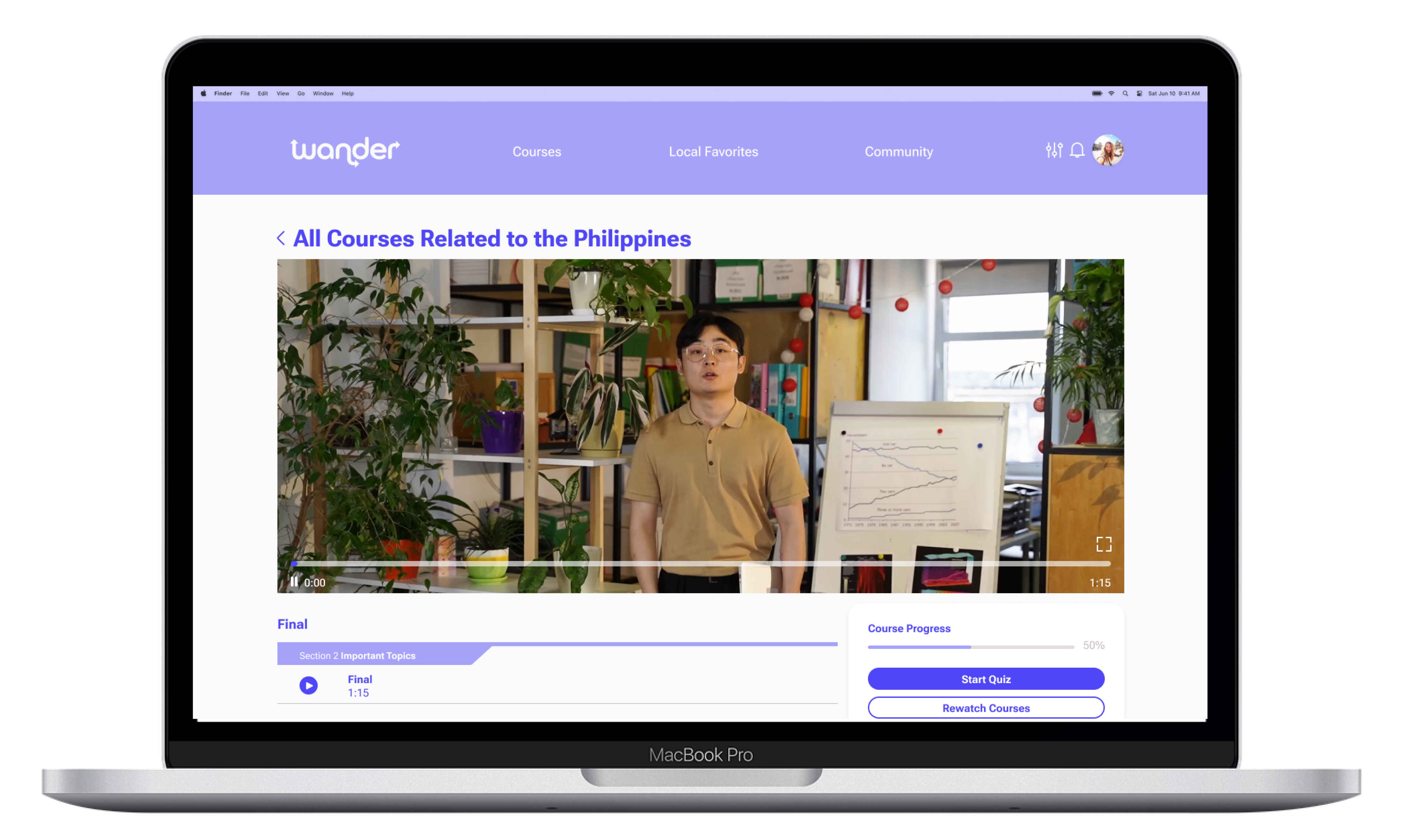
This final user flow showcases the desktop version of the Wander application. Here, the user explores the Education section, where they can select courses based on the destinations they plan to visit. Each course includes a series of educational videos designed to prepare users for their trip. Once users complete a course, they are quizzed on what they have learned to help reinforce the information.
To create the best experience possible, tests were conducted specifically to identify areas where users were having trouble navigating the application. This was done using an app called Maze.
Twenty-five individuals were selected to run through seven different flows in the Wander app. From these tests, data was collected based on the duration, misclicks, and number of successful completions for each flow. The heat maps show where the focus group clicked the most.
Through user testing, the main findings showed that users struggled with unlabeled icons on the community page and with building the itinerary.
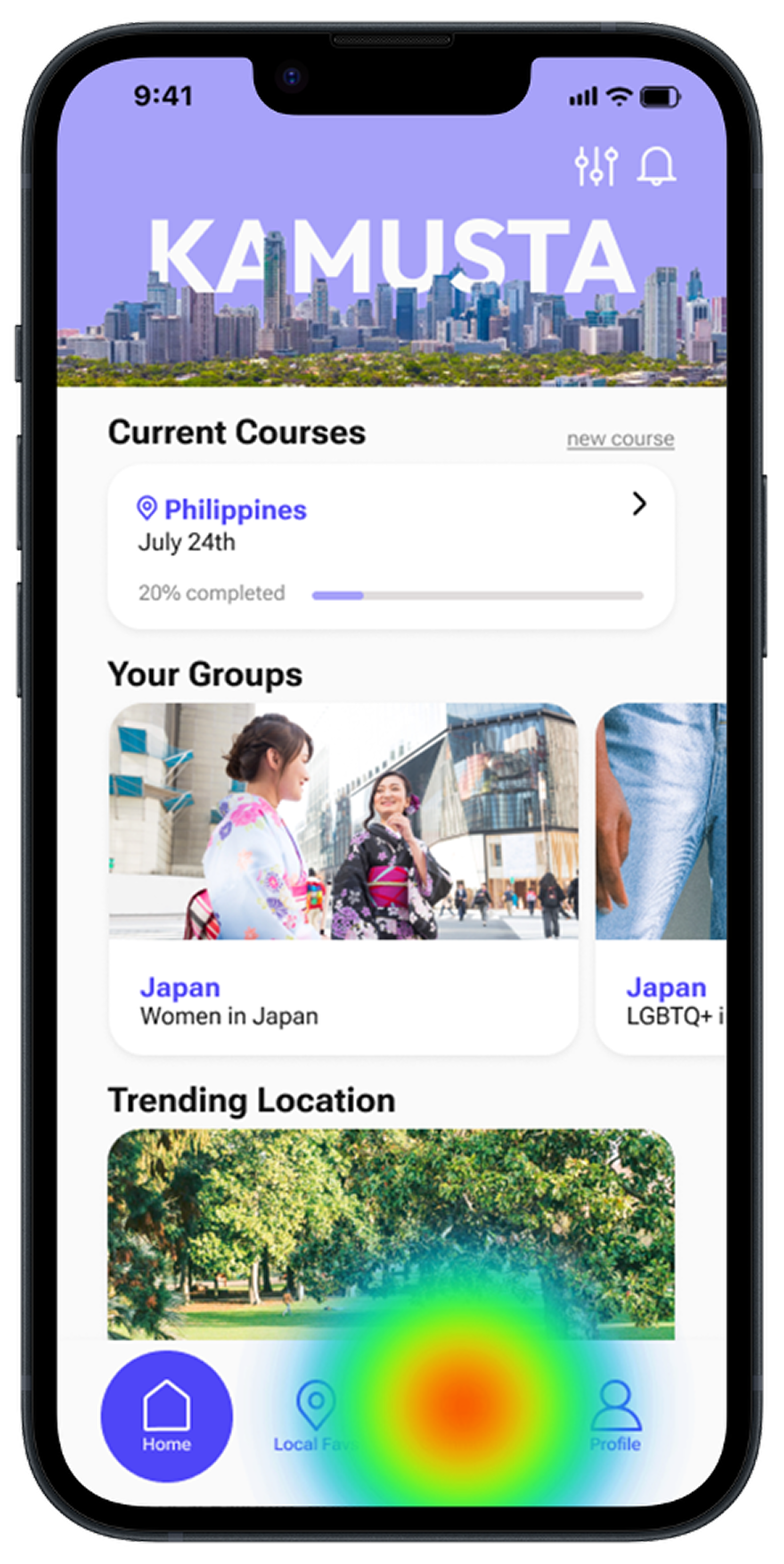
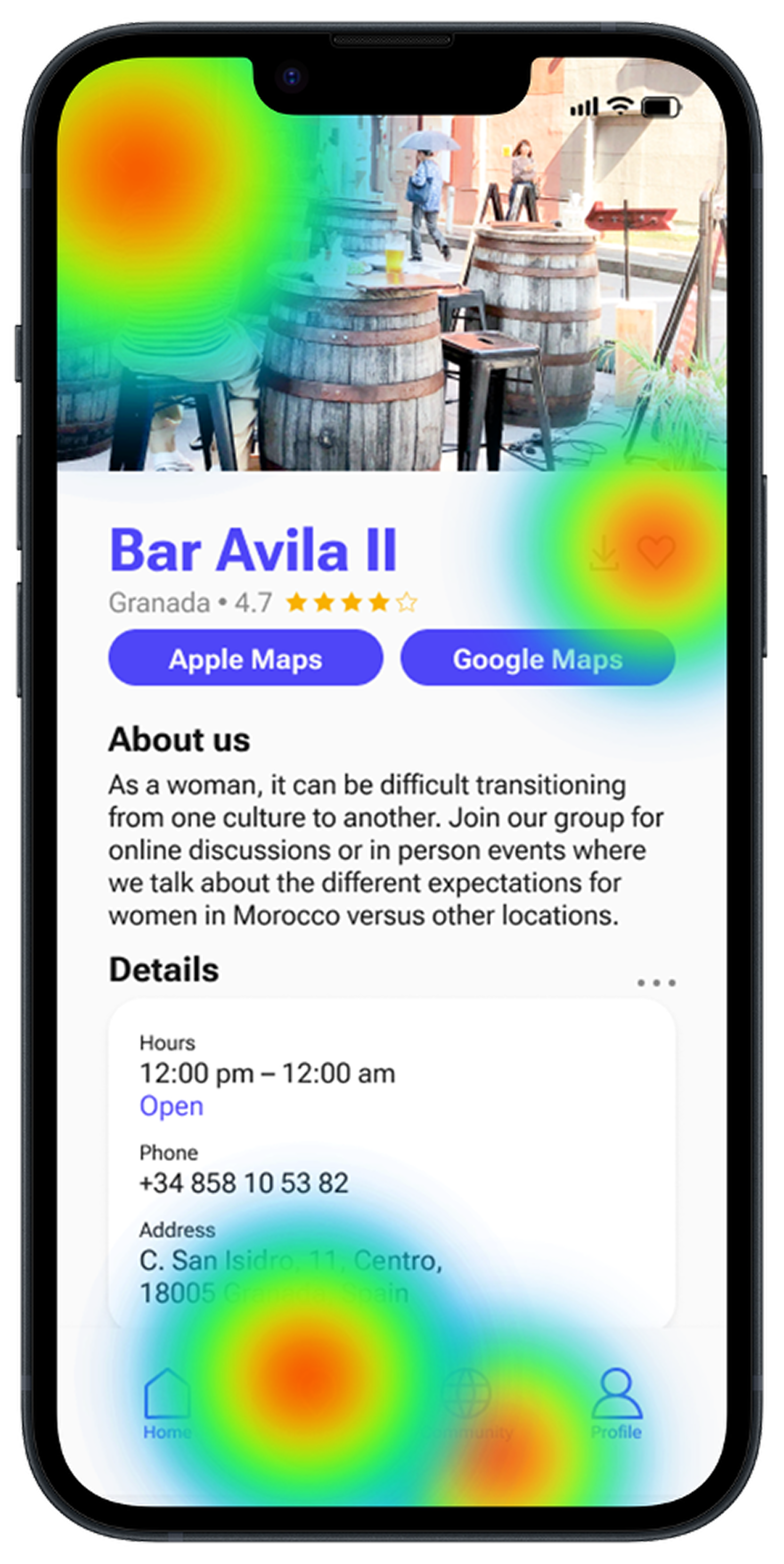
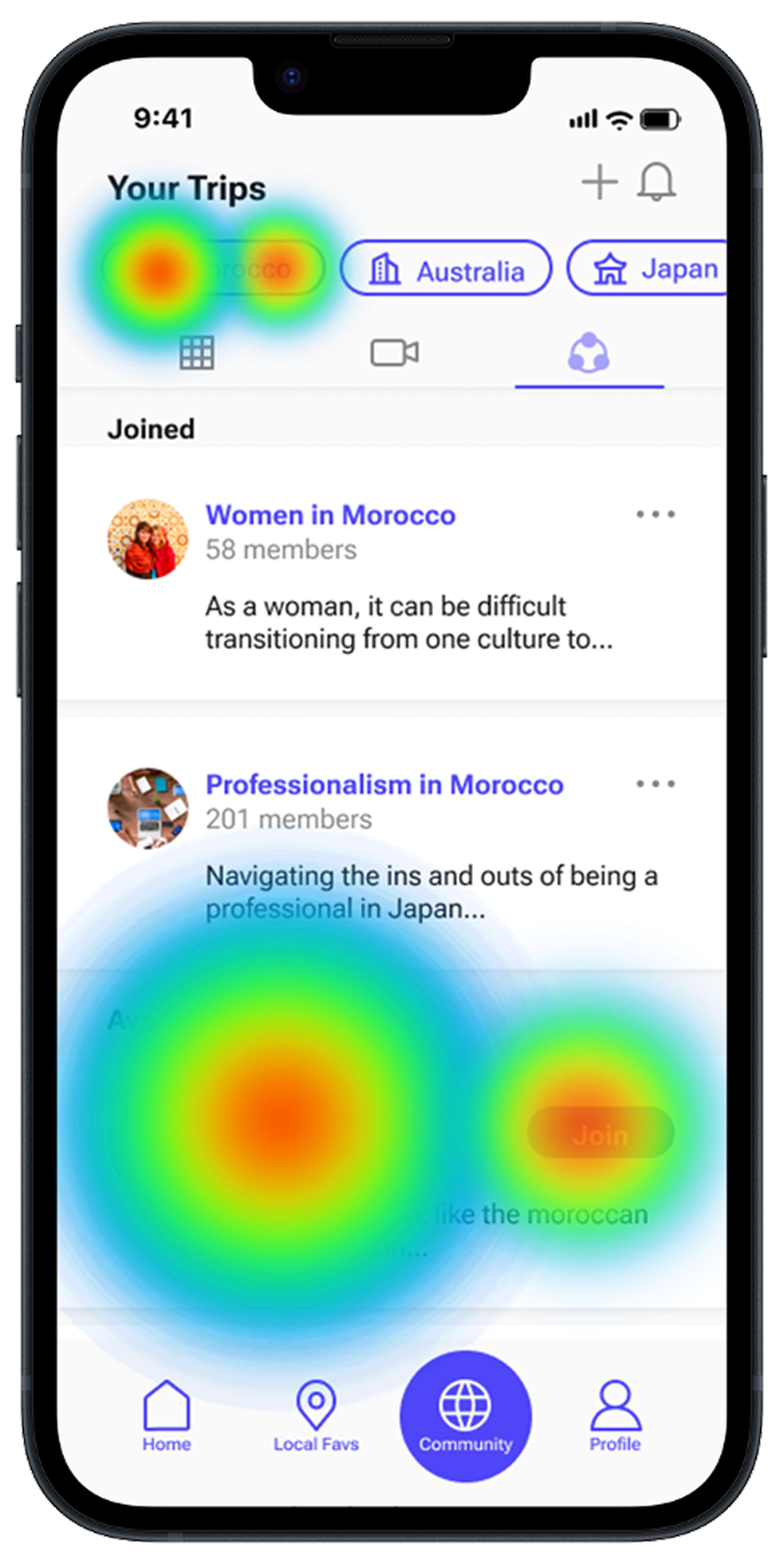
Based on the test findings, adjustments were made to the application by labeling more icons within Wander to make navigation clearer for users.

In order to build brand recognition, eye-catching advertisements were created. This was done through an advertising campaign that included social media, print, and digital assets.
.png)
The final step of this project was pitching it to a panel of judges. In this presentation, I addressed the challenges travelers face before, during, and after their trips. I then introduced my application, Wander, as a solution to these problems. I walked through the ideation and prototyping process, followed by the adjustments made based on user testing. I also presented the advertising campaign and concluded with the project timeline and overall scope.
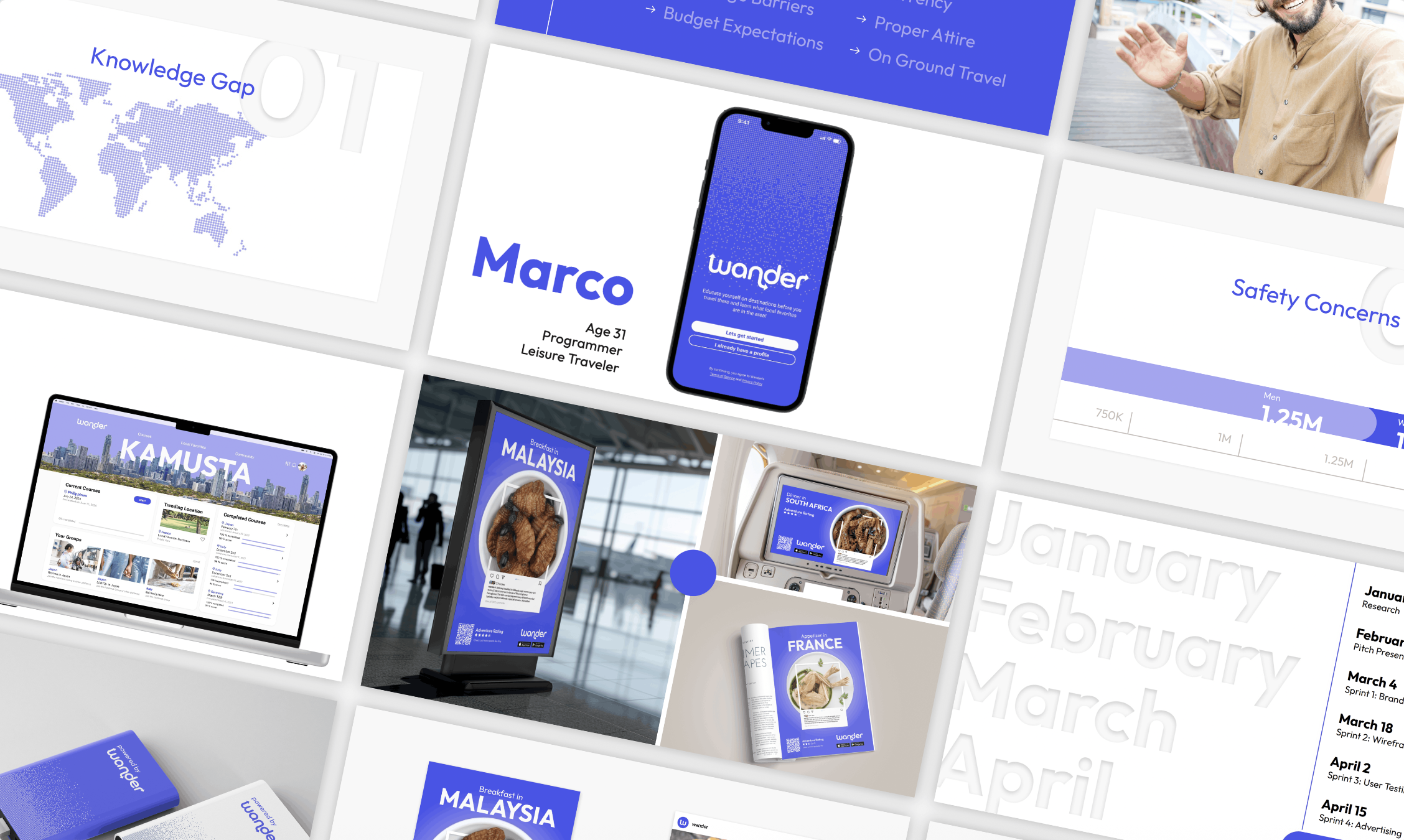
Overall, this project was a great success. It allowed me to apply the skills I’ve developed throughout my education and career, including presentation design, user experience design, user testing, product design, as well as wireframing and prototyping in Figma. The 15-week timeline also provided an opportunity to deeply explore, research, and refine every aspect of the project, ultimately resulting in a well-rounded and polished final product.